Talk face-to-face, right on your site.
Glimpze keeps video, voice, and chat inside one widget so visitors get answers while the intent is high — with two-way screen share built in.


John:
Buyers leave when sales become slow.
Ever had qualified questions about a product you considered buying — and then forgot all about it after filling out the contact form?
Problem 01
Slow replies lose leads
If potential customers wait too long, they pick someone else.
Problem 02
Email scheduling stalls calls
Long threads to find a time stall the conversation.
Problem 03
Demo no-shows
Clients don't show up because of scheduling conflicts or loss of interest.
From page view to conversation.
Live video, audio, and chat sit in one panel so teams respond fast while staying in context.
Step 01
Visitors tap the widget
They start a chat or video call, wanting to connect with a product expert or salesperson.
Step 02
Agents join in one click
The agent is notified in Glimpze (or Slack!) and joins the call with one click.
Step 03
A visitor turns into a connection
Demo your product, let the visitor share their screen, and browse your site together while talking.
Give short product demos immediately.
If the visitor shows high purchase intent, why not give them a glimpse of your product right away?
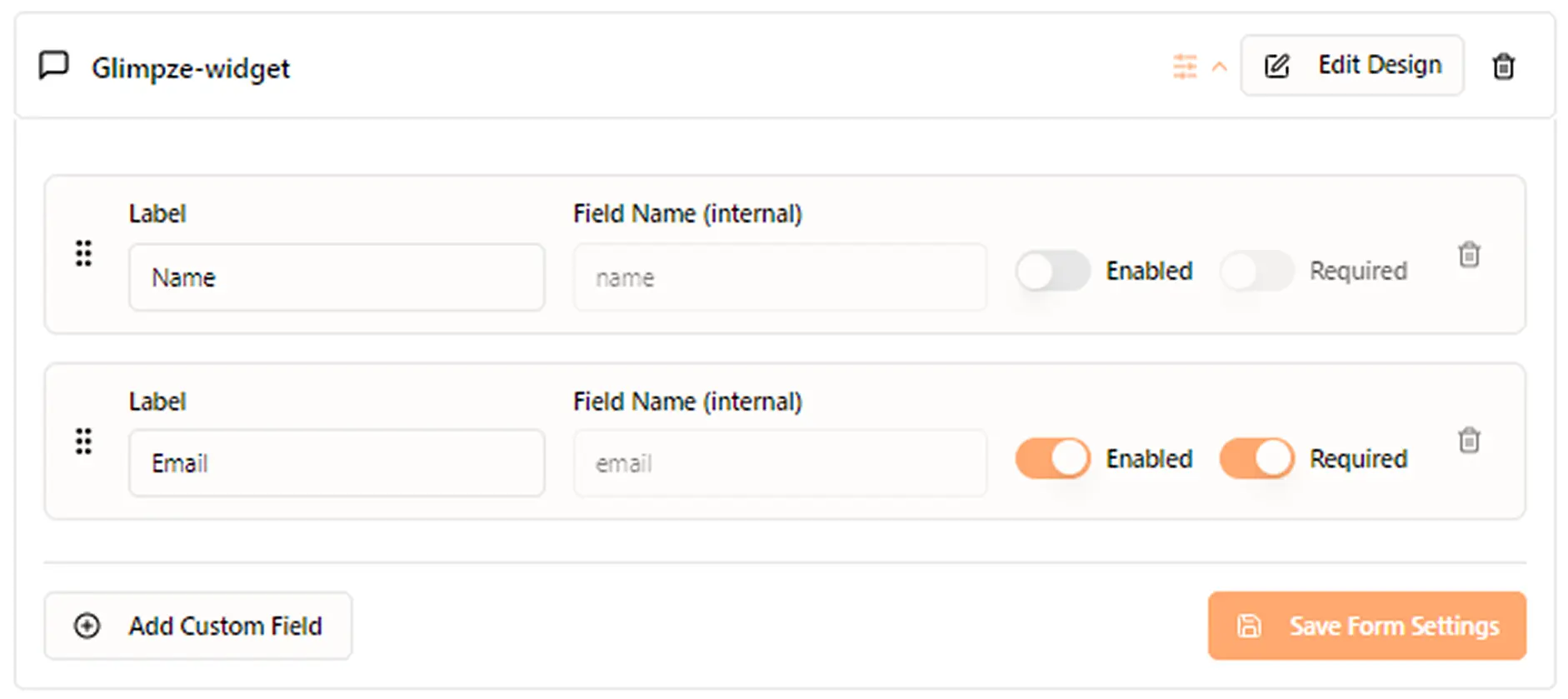
Custom pre-call fields
Control what info visitors fill out before calling — name, email, company, anything.
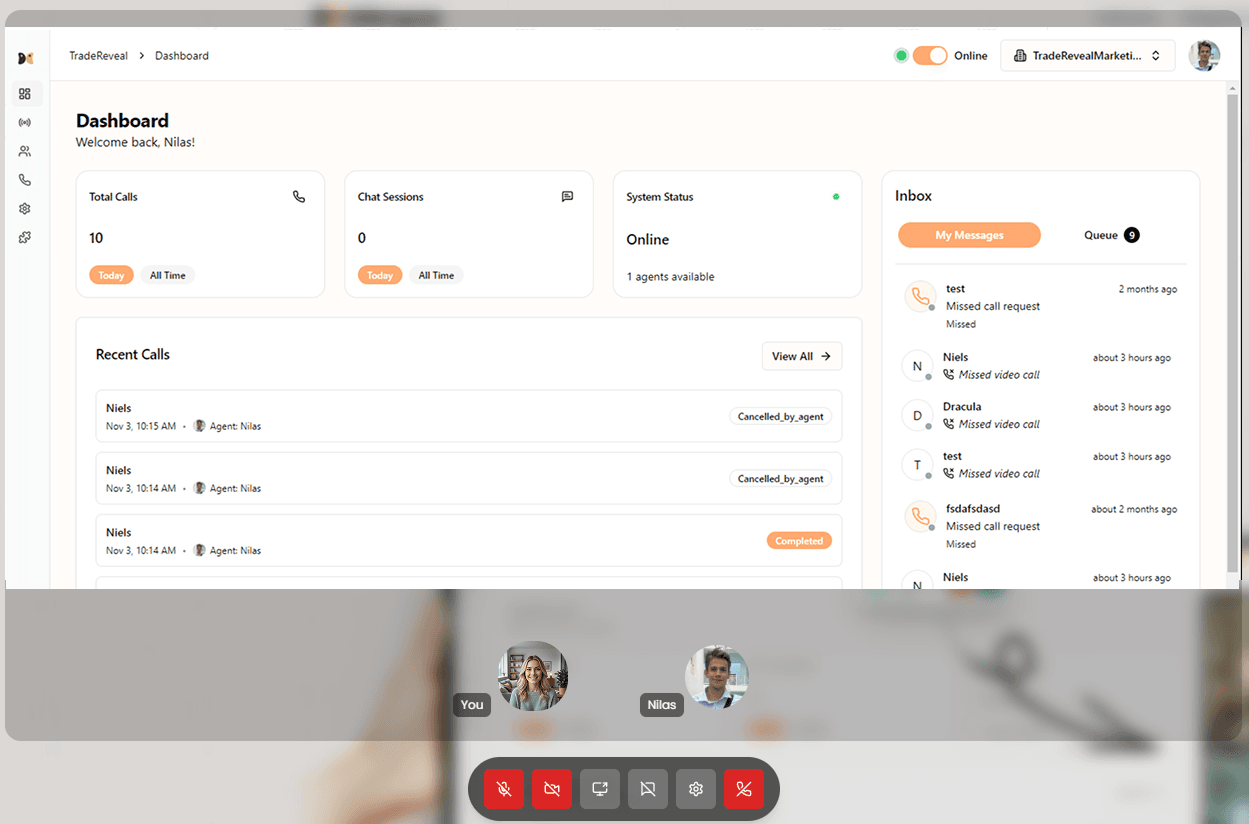
Easy screen sharing
You (or your visitor) share a screen or tab directly from the widget. Perfect for 5-minute demos.
Secure by default
Calls run on WebRTC with encrypted media end to end.
Browser ready
Visitors join from any device without plugins or logins.
Easy for every team
Simple controls keep reps focused on the buyer, not the tool.
Questions, answered.
Why should I use live video chat on my website?
For many reasons! Showing a face builds trust, live conversations let you answer questions in real-time, and it can significantly boost conversion rates by engaging visitors when their interest is highest.
What happens if no one on my team is available?
If none of your agents are online, the Glimpze widget will automatically go into an offline mode, allowing visitors to leave a message or book a demo directly if you include a link to your calendar or booking platform.
Can I route chats to different teams or pages?
Yes! Calls are broadcasted to all online agents by default, but you can enable smart routing to ensure messages and calls go to the agent who has 'claimed' or interacted with that visitor before. You can also set up different widgets for different pages or sections of your website, each with its own routing rules.
Does the widget support video, voice, and chat?
Yes it does! Visitors can choose to start a video call, voice call, or chat session based on their preference. Agents can seamlessly switch between these modes during the conversation.