Before you start
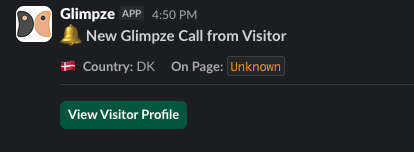
This integration allows you to receive call notifications from Glimpze directly in Slack, so you don't need to keep the Glimpze app open at all times to stay responsive.
Each Slack notification includes useful call context such as caller name (if found), page, and country, plus a direct link to the visitor profile in Glimpze.
Glimpze widget
Before connecting Slack, make sure the Glimpze widget is already implemented on your website or in your app.
Check the following:
- The Glimpze widget appears where you expect it on your website or app.
- In General Settings, your domain is allowed and the connection test is successful.
- You can receive call notifications in the Glimpze app. Run a quick test call. If no notification appears, set Routing Mode to Broadcast and try again.
Check the widget setup guide if you are just getting started.
Slack workspace
You need an active Slack workspace and a channel where you want Glimpze notifications to be posted. Glimpze works with all Slack subscription plans.
Connect your Slack workspace
Now connect Glimpze to your Slack workspace:
- Go to the Integrations page in the Glimpze app and click Connect on the Slack integration.

- Sign in to your Slack workspace.
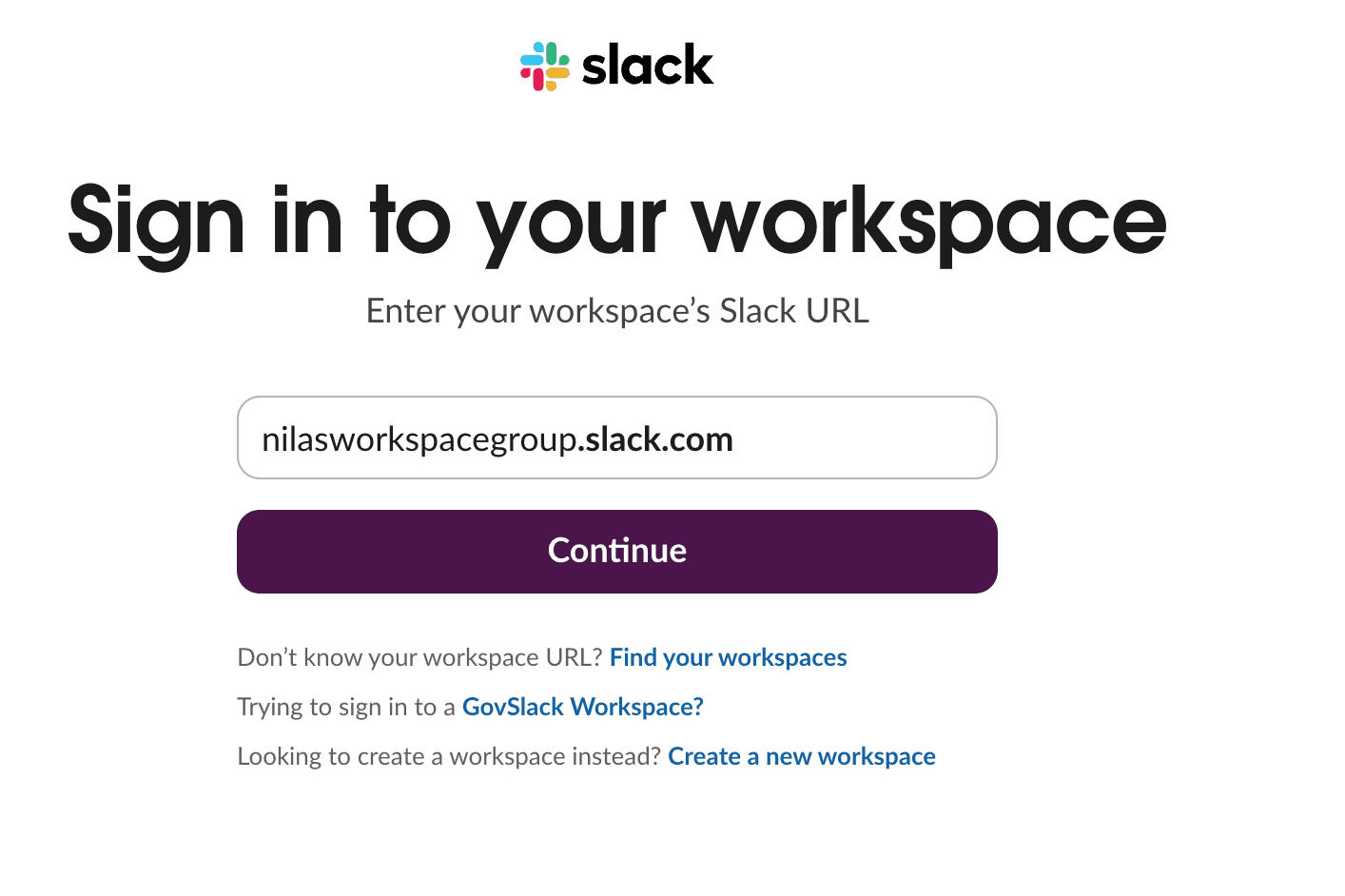
Note: One workspace can be connected per Glimpze project.
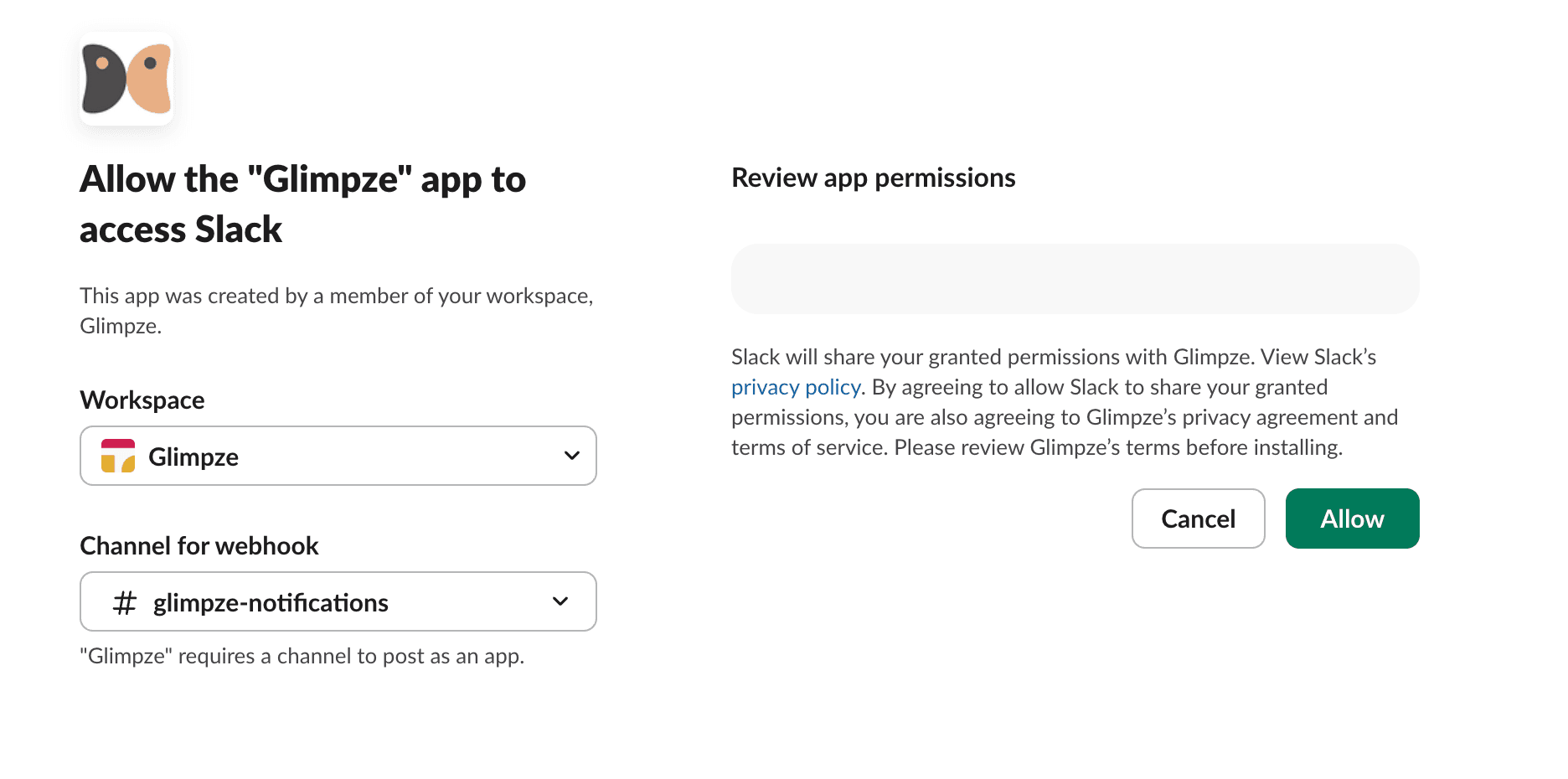
- Choose the Slack channel where notifications should be sent.
- Click Allow to approve permissions and complete setup.
Important notes
If you see “App not approved by Slack”, you can still proceed. This only means the app is not yet listed on the Slack Marketplace.
For now, all Glimpze calls are posted to the same Slack channel, even if routing mode is set to Smart. We're working on personalized notifications for person-specific routing.
You're done
Voila. You now receive Glimpze call notifications in Slack. If you have ideas for improvements, share them through the Glimpze widget.