The first thing visitors read
The welcome message is the first thing a visitor sees when a conversation starts. It is a small piece of copy that does a lot of work: it signals whether they are talking to a person or an assistant, sets expectations on response time, and invites them to say what they need. Glimpze lets you write two versions — one for AI-led conversations, one for human-led ones — and control how they interact with proactive nudges.
These settings live under Flows → Welcome message.
Two greetings for two situations
Glimpze sends a different opener depending on who is about to handle the chat.
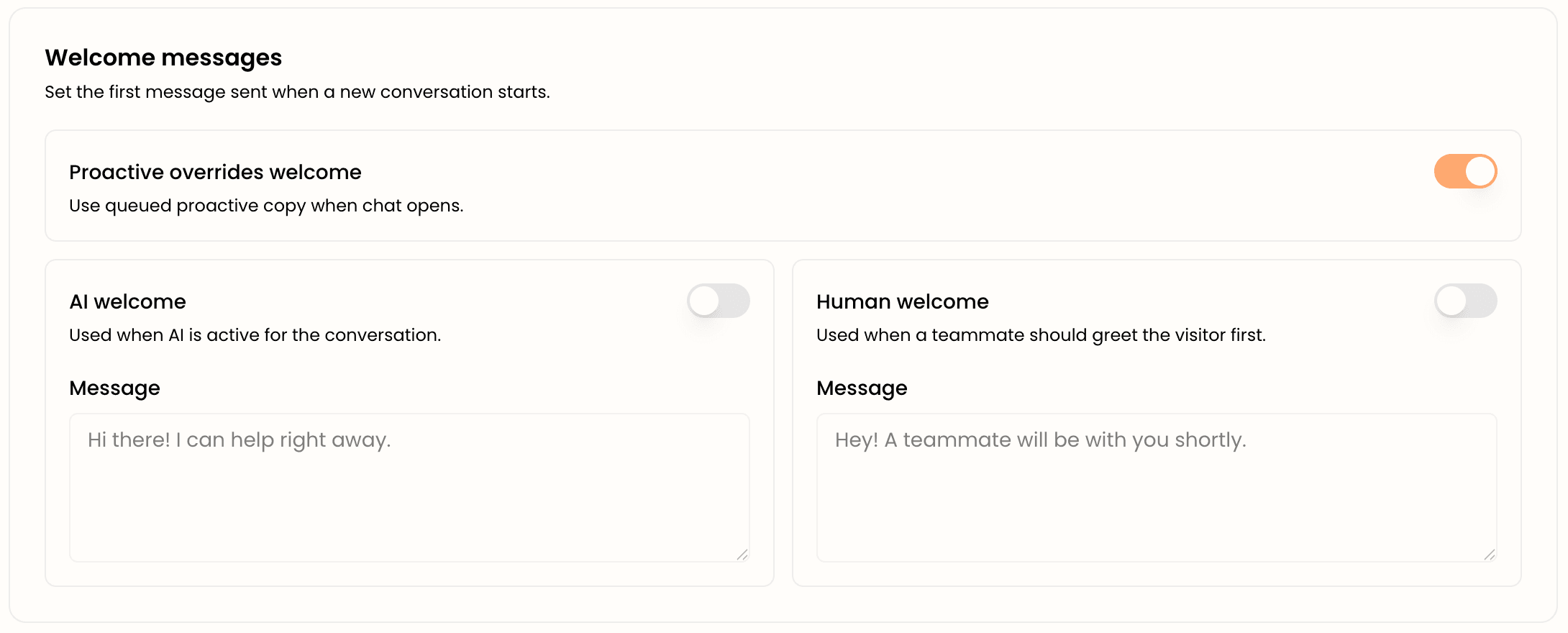
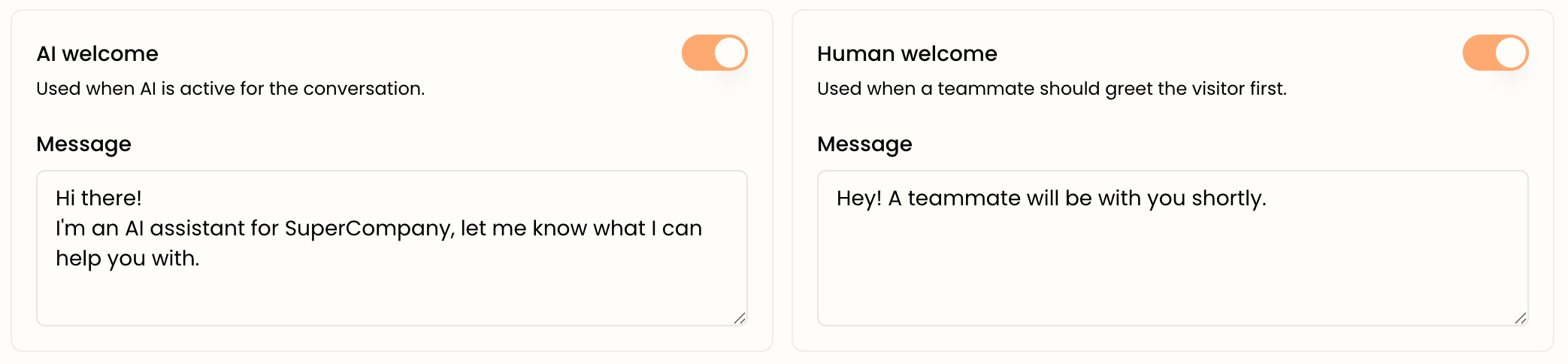
AI welcome — shown when the AI assistant is active for the conversation. Turn it on and write a message that makes the instant-answer promise clear, for example: “Hi there! I can help right away.” This sets the expectation that the visitor will get a response immediately.
Human welcome — shown when a teammate should greet the visitor first. Turn it on and write something that buys a moment without going cold, for example: “Hey! A teammate will be with you shortly.” This is the right tone when a real person is taking the conversation but is not typing the very first second.
Each greeting has its own on/off switch and message box, so you can enable one, both, or neither. If a greeting is disabled, the conversation simply starts without that opener.
Choosing the right tone
Match the greeting to the promise you can keep. If your AI assistant answers instantly, the AI welcome should say so. If humans handle chats during business hours but with a short delay, the human welcome should set a realistic expectation rather than implying someone is already typing. The goal is that the first message is never contradicted by what happens next — nothing erodes trust faster than “a teammate will be right with you” followed by ten minutes of silence.
Proactive overrides welcome
Here is the setting that ties this guide to proactive outreach. When a visitor clicks a proactive nudge to open the chat, you have a choice about what the first message should be: the nudge's copy, or your standard welcome greeting.
The Proactive overrides welcome toggle controls this. When it is on (the default), Glimpze uses the queued proactive copy as the opener when chat opens from a nudge — so the conversation continues seamlessly from the message that drew the visitor in. When it is off, the visitor sees your standard welcome message instead, even if a nudge brought them in.
Leave it on when your nudges are written as conversation-starters (most cases) — it feels continuous and intentional. Turn it off if you would rather every conversation begin with the same consistent greeting regardless of how it started.
How it all fits together
Picture the full flow: a visitor lingers on your pricing page, a proactive nudge appears (“Have questions about pricing? I can help.”), they click it. With Proactive overrides welcome on, the chat opens and that pricing message is the opener — no jarring reset. If instead the visitor opens the widget on their own, they get your AI or human welcome message depending on who is handling the conversation. Three different entry points, each with a first message that fits the moment.
What to do next
- Proactive outreach nudges — the rules that trigger the proactive copy referenced here.
- Set up your AI assistant — controls whether the AI or a human is active, which determines which welcome shows.